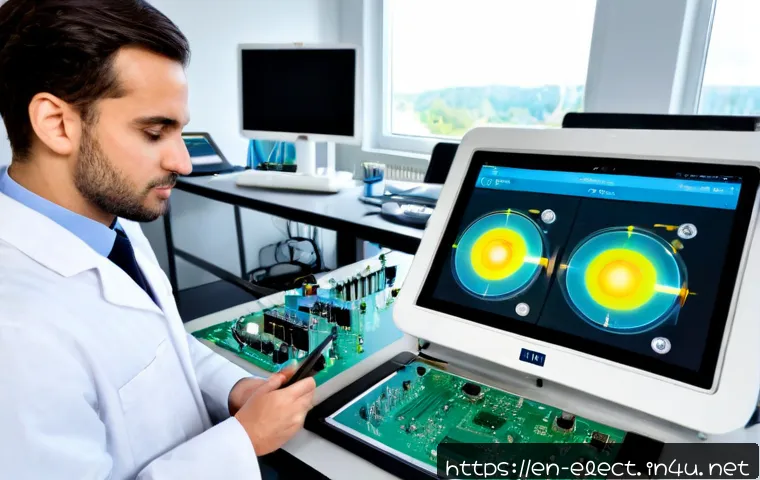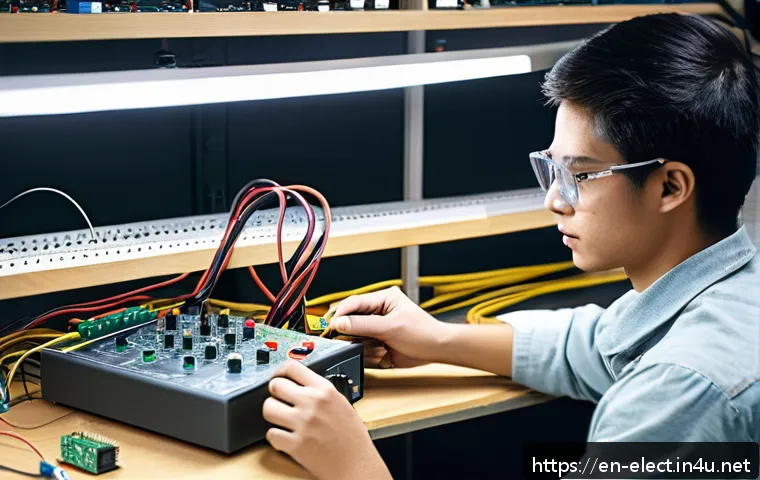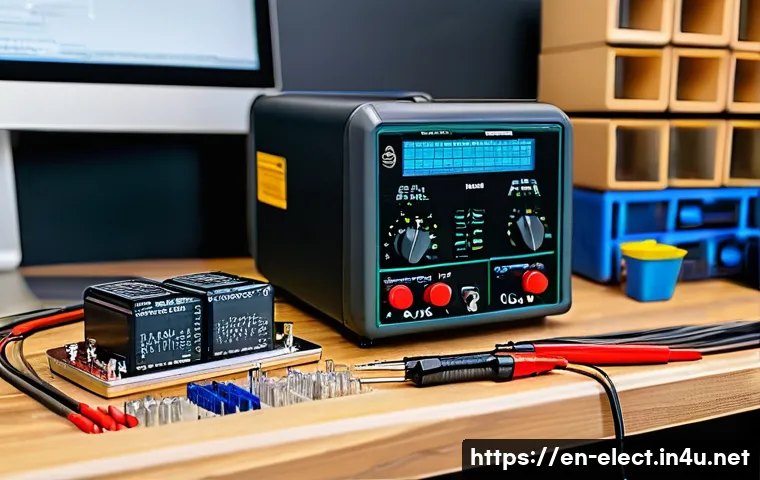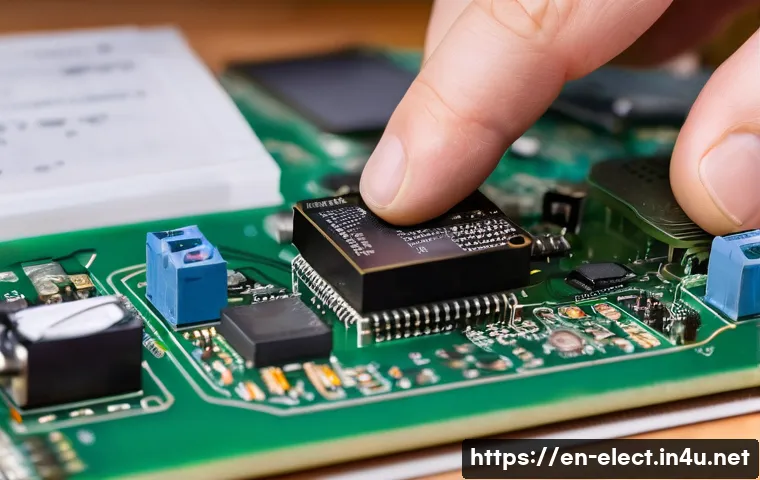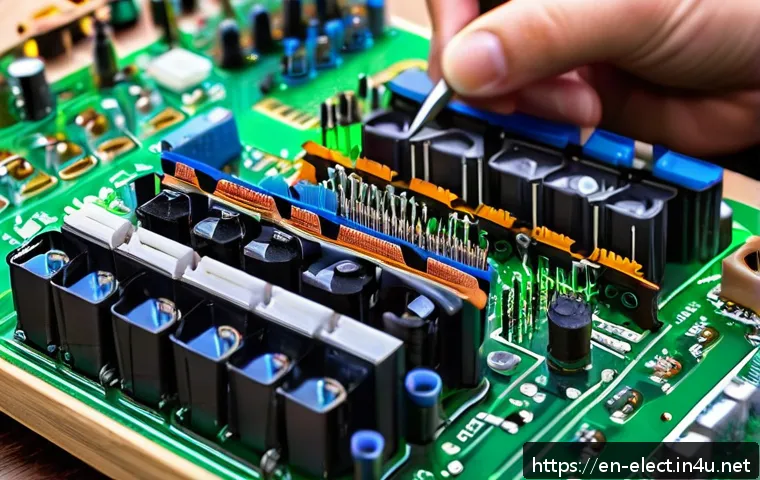
In today’s fast-paced digital world, understanding the inner workings of modern electronic devices is more valuable than ever. Whether you’re curious about how your smartphone operates or eager to design cutting-edge gadgets, mastering electronics opens doors to countless opportunities.
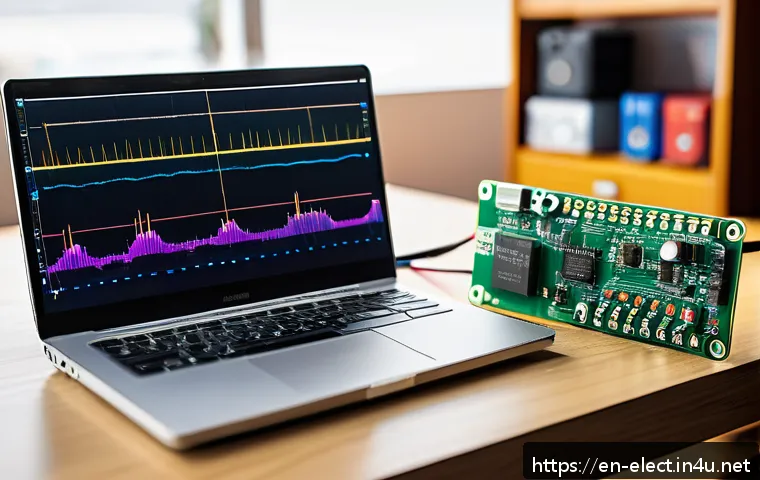
With new technologies emerging daily, gaining hands-on expertise can set you apart in both personal projects and professional careers. Join me as we explore a step-by-step guide that breaks down complex concepts into manageable insights, making your journey to becoming an electronics expert both exciting and achievable.
Ready to unlock the secrets behind the screens and circuits? Let’s dive in together!
Building a Strong Foundation in Electronics
Understanding Basic Electronic Components
Before diving into complex circuits, it’s crucial to get comfortable with the fundamental building blocks of electronics. Components like resistors, capacitors, diodes, and transistors might sound intimidating at first, but once you see how they behave and interact, everything starts to click.
For instance, resistors control current flow, capacitors store energy, and transistors act like tiny switches or amplifiers. When I first started tinkering, I spent a lot of time experimenting with these parts on a breadboard, testing different configurations, and watching how they affected the circuit’s behavior.
This hands-on approach made theoretical concepts way easier to grasp and gave me the confidence to tackle more advanced projects.
Getting Comfortable with Circuit Diagrams and Schematics
Reading and interpreting circuit diagrams is a skill that separates beginners from those who can build and troubleshoot their own devices. Schematics may look like a foreign language initially, but each symbol has a clear purpose.
I found that starting with simple diagrams—like basic LED circuits or battery-powered buzzers—helped me identify patterns and connections. Over time, I learned to visualize how current flows through the circuit and how components influence each other.
Drawing your own diagrams as you plan projects can reinforce your understanding and save headaches during assembly.
Mastering the Use of Tools and Equipment
No electronics journey is complete without knowing how to properly use essential tools like multimeters, soldering irons, and oscilloscopes. When I first held a soldering iron, the idea of melting tiny metal joints was nerve-wracking, but with practice, it became second nature.
A multimeter is your best friend—it can measure voltage, current, and resistance, helping you pinpoint issues before they become major problems. Oscilloscopes might seem like overkill for beginners, but even a basic understanding of waveform visualization can deepen your grasp of how signals behave in circuits.
Exploring Digital Electronics and Microcontrollers
Grasping the Basics of Logic Gates and Digital Signals
Digital electronics is the backbone of modern devices, from smartphones to home automation systems. At its core are logic gates—AND, OR, NOT, NAND, NOR, XOR, and XNOR—that perform basic decision-making operations.
I remember when I first built simple logic gate circuits on a breadboard, it was fascinating to see how combining these gates could create complex behaviors like counters or timers.
Understanding how binary signals (0s and 1s) represent everything in digital electronics is key to unlocking this area.
Programming Microcontrollers for Real-World Applications
Microcontrollers like Arduino and Raspberry Pi have revolutionized DIY electronics by making programming accessible and fun. Once I got comfortable with wiring sensors and actuators, writing code to control them became the next exciting step.
Using simple languages like C++ or Python, I could automate tasks, collect data, or even build robots. What’s amazing is how these tiny chips can interact with the physical world through input/output pins, making your ideas come alive in real time.
Integrating Sensors and Actuators in Projects
Sensors detect environmental changes—like temperature, light, or motion—and actuators respond by moving parts or triggering actions. For example, installing a motion sensor in a room to automatically turn on lights is a practical project I tried early on.
Understanding how to interface these devices with microcontrollers and process their signals is a game-changer. It’s a mix of hardware wiring and software logic that opens endless possibilities for automation and smart devices.
Developing Troubleshooting Skills and Safety Awareness
Systematic Troubleshooting Techniques
No project goes perfectly on the first try, and developing a methodical approach to troubleshooting is invaluable. When something doesn’t work, I first check power supply and connections, then use a multimeter to test component function.
Breaking down a problem into smaller parts and testing each individually often reveals the root cause. Patience and persistence here pay off more than rushing to replace parts without diagnosis.
Understanding Electrical Safety Practices
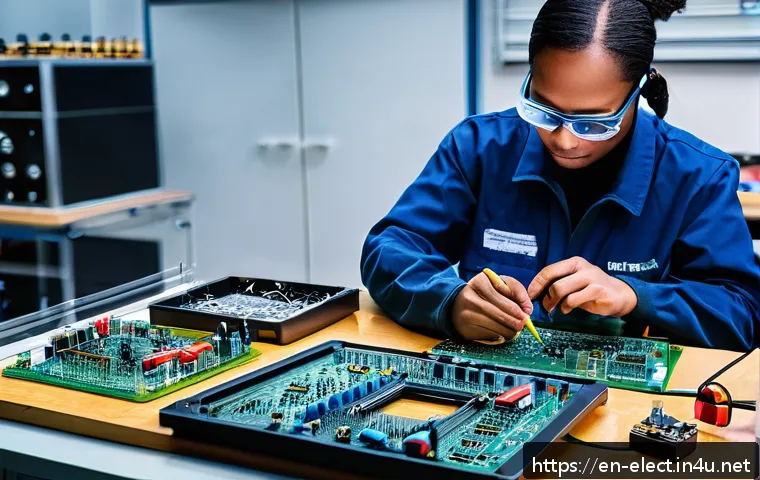
Electronics can be fun, but safety can’t be overlooked. I always make sure to work on low voltage circuits initially and use insulated tools. Knowing how to discharge capacitors or avoid static damage to sensitive components saved me from many close calls.
Wearing safety glasses and working in a well-ventilated area, especially when soldering, are simple habits that protect you in the long run.
Documenting Your Work for Future Reference
Keeping a detailed log of your experiments, including circuit diagrams, component lists, and observations, is a habit I developed that really helps. When you revisit a project months later, documentation lets you pick up right where you left off.
It also makes sharing your knowledge easier, whether in forums, blogs, or with fellow hobbyists.
Harnessing Online Resources and Communities
Leveraging Tutorials and Video Guides
The internet is a treasure trove for electronics enthusiasts. From step-by-step video tutorials to detailed blog posts, I found that watching someone else build a project and explaining their thought process accelerates learning.
Channels like EEVblog or GreatScott! offer deep dives into topics that can clear up confusion and inspire new ideas.
Participating in Forums and Maker Communities
Engaging with communities on Reddit, Stack Exchange, or specialized forums has been a game changer. Asking questions, sharing projects, and reading about others’ troubleshooting experiences create a collaborative learning environment.
Sometimes, a simple tip from a seasoned maker can save hours of frustration.
Utilizing Simulation Software Before Building
Tools like LTspice or Tinkercad Circuits allow you to simulate electronic circuits virtually. I often test designs here first to predict behavior without risking components or spending extra money.
Simulations also help visualize signal waveforms and timing, which are tricky concepts when working only with physical parts.
Choosing the Right Components and Materials for Your Projects
Comparing Common Types of Resistors, Capacitors, and Semiconductors
Selecting the right component isn’t always straightforward. Resistors come in various tolerances and power ratings, capacitors differ by type (ceramic, electrolytic, tantalum), and semiconductors vary widely in specs.
Understanding these differences ensures your project runs reliably. For example, using a ceramic capacitor in a high-frequency circuit is often better than an electrolytic one due to lower parasitic effects.
Balancing Cost, Quality, and Availability
When I started sourcing parts, I learned that the cheapest option isn’t always the best. Sometimes spending a bit more on a reputable brand saves headaches with faulty components.
Also, availability matters—choosing parts that are easy to reorder can streamline future builds or repairs. Local electronics stores and online suppliers each have pros and cons depending on your needs.
Organizing Your Workshop and Inventory
Keeping your components sorted and labeled saves tons of time. I use small bins and tackle labeling systematically, so I can quickly find the right resistor or IC when needed.
A well-organized workspace also reduces the risk of damaging sensitive parts and helps maintain focus during builds.
Understanding Power Supply and Energy Management
Exploring Different Types of Power Sources
Powering your projects can involve batteries, USB power, wall adapters, or solar cells. Each source has pros and cons depending on the application. For example, batteries offer portability but limited runtime, while wall adapters provide stable power but restrict mobility.
Knowing which to choose based on voltage, current, and safety needs is crucial.
Implementing Voltage Regulation and Protection
Voltage regulators ensure your circuit receives a stable voltage despite fluctuations from power sources. When I added a 5V regulator to a microcontroller project, it saved me from erratic resets caused by unstable power.
Protection components like fuses and diodes prevent damage from reverse polarity or current surges, which can be a real lifesaver.
Energy Efficiency and Heat Management
Efficient designs minimize power consumption and heat generation. I noticed that using low-power components and proper heat sinks extended battery life and improved reliability.
Overheating can damage parts or shorten their lifespan, so incorporating cooling strategies, like fans or thermal pads, is important for high-power projects.
Common Electronic Components and Their Functions at a Glance
| Component | Function | Common Uses | Tips for Beginners |
|---|---|---|---|
| Resistor | Limits current flow | Voltage division, current limiting | Check resistance value carefully; color codes help identify |
| Capacitor | Stores and releases electrical energy | Filtering, timing circuits | Observe polarity for electrolytic capacitors |
| Diode | Allows current in one direction only | Rectification, protection | Ensure correct orientation in circuit |
| Transistor | Switches or amplifies signals | Amplifiers, switches, oscillators | Identify pinout (emitter, base, collector) before use |
| Microcontroller | Programmable control unit | Embedded systems, automation | Start with beginner-friendly platforms like Arduino |
In Conclusion
Building a solid foundation in electronics opens the door to endless creativity and innovation. By understanding components, mastering tools, and embracing hands-on learning, anyone can transform ideas into working projects. Remember, patience and curiosity are your best allies on this journey.
Helpful Tips to Keep in Mind
1. Start small and focus on mastering basic components before moving to complex circuits. This builds confidence and reduces frustration.
2. Practice reading and drawing circuit diagrams regularly to improve your troubleshooting and design skills.
3. Invest time in learning how to properly use measurement and soldering tools to ensure safe and reliable builds.
4. Engage with online communities and tutorials to gain diverse perspectives and practical advice from experienced makers.
5. Keep a detailed log of your projects, including challenges and solutions, to track progress and share knowledge effectively.
Key Takeaways
Understanding the fundamentals of electronics and safety practices is essential for successful projects and personal well-being. Developing systematic troubleshooting skills saves time and resources, while carefully selecting components ensures reliability and performance. Lastly, leveraging digital resources and community support accelerates learning and keeps you motivated throughout your electronics journey.
Frequently Asked Questions (FAQ) 📖
Q: How can a beginner start learning about electronics without feeling overwhelmed?
A: Starting with the basics is key. I found that beginning with simple components like resistors, capacitors, and LEDs helps build confidence. Experimenting with beginner-friendly kits or online simulators allows you to see real-time results without complex setups.
Breaking down projects into small, manageable steps makes the learning process less intimidating and more enjoyable. Plus, watching tutorial videos and joining electronics forums can provide support and practical tips from others who were once beginners too.
Q: What practical skills should I focus on to become proficient in modern electronics?
A: Hands-on experience is crucial. Personally, I focused on soldering, circuit design using software like Eagle or KiCad, and understanding microcontrollers such as Arduino or Raspberry Pi.
Learning to read schematics and troubleshoot circuits saved me countless hours later on. Also, coding basics help immensely since many devices rely on embedded systems.
Balancing theory with real-world projects—like building a simple sensor or a home automation device—makes the skills stick and opens up professional opportunities.
Q: How does mastering electronics benefit my career and personal projects?
A: From my experience, knowing electronics gives you a significant edge in tech-related fields. It empowers you to innovate, customize, and repair devices, which employers highly value.
On a personal level, it turns abstract technology into something tangible and controllable, sparking creativity. Whether you want to develop smart gadgets, improve your home setup, or dive into robotics, the knowledge you gain can transform ideas into reality and boost your confidence to tackle complex challenges.